Context management decides what the model sees this turn
I had an agent working a real bug, and about forty turns in it got visibly dumber: it re-opened a file it had already edited, proposed a fix it had ruled out, and contradicted a decision we had made together. Same model, same weights, same settings. What changed was what sat in front of it. Context management is the harness primitive that decides what reaches the model on each turn, and this post walks the four moves that decision breaks into.
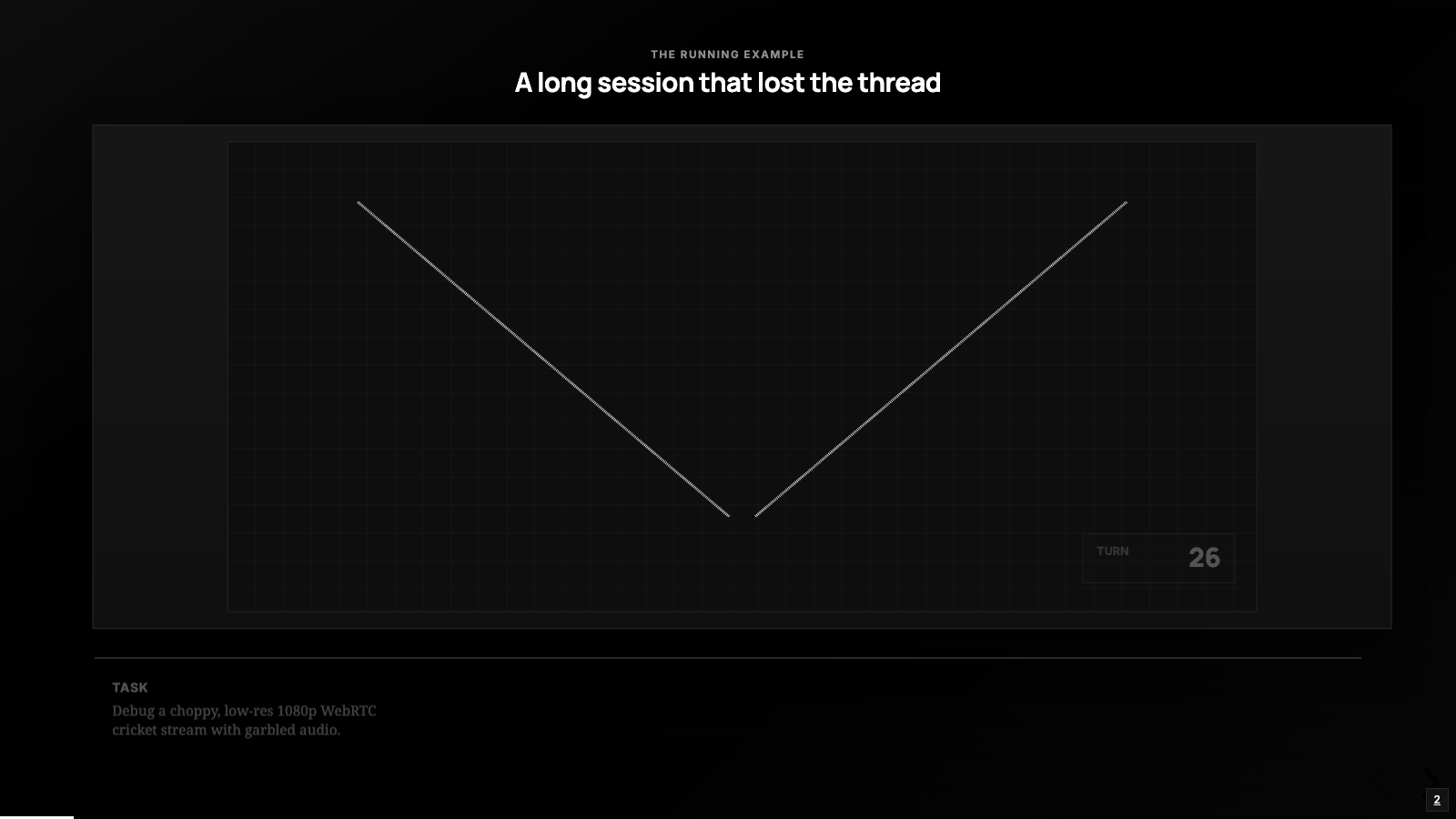
The agent that got dumber
The bug came from StreamIT, a little app I run that broadcasts a live cricket match to YouTube straight from a phone: video over WebRTC to a Node server, re-encoded with FFmpeg, pushed to YouTube. The ticket said that on a real cellular connection the video went choppy and low-res and the audio came out garbled, and it linked out to the server’s docker logs, an earlier session where we had already worked the video side, and a design doc from the 1080p pipeline work.
The agent started well: read the ticket, opened the encoder code, pulled the logs, started forming a theory about the FFmpeg encoder restarting over and over. Then, around turn forty, the degradation set in, like the first half of the conversation had quietly fallen out of its head.
Which, in a real sense, it had. The window had filled up with logs, half-read files, and tool output, and the material that mattered got crowded out. The failure lived in the context, so the fix had to live there too.
Four ways context goes bad
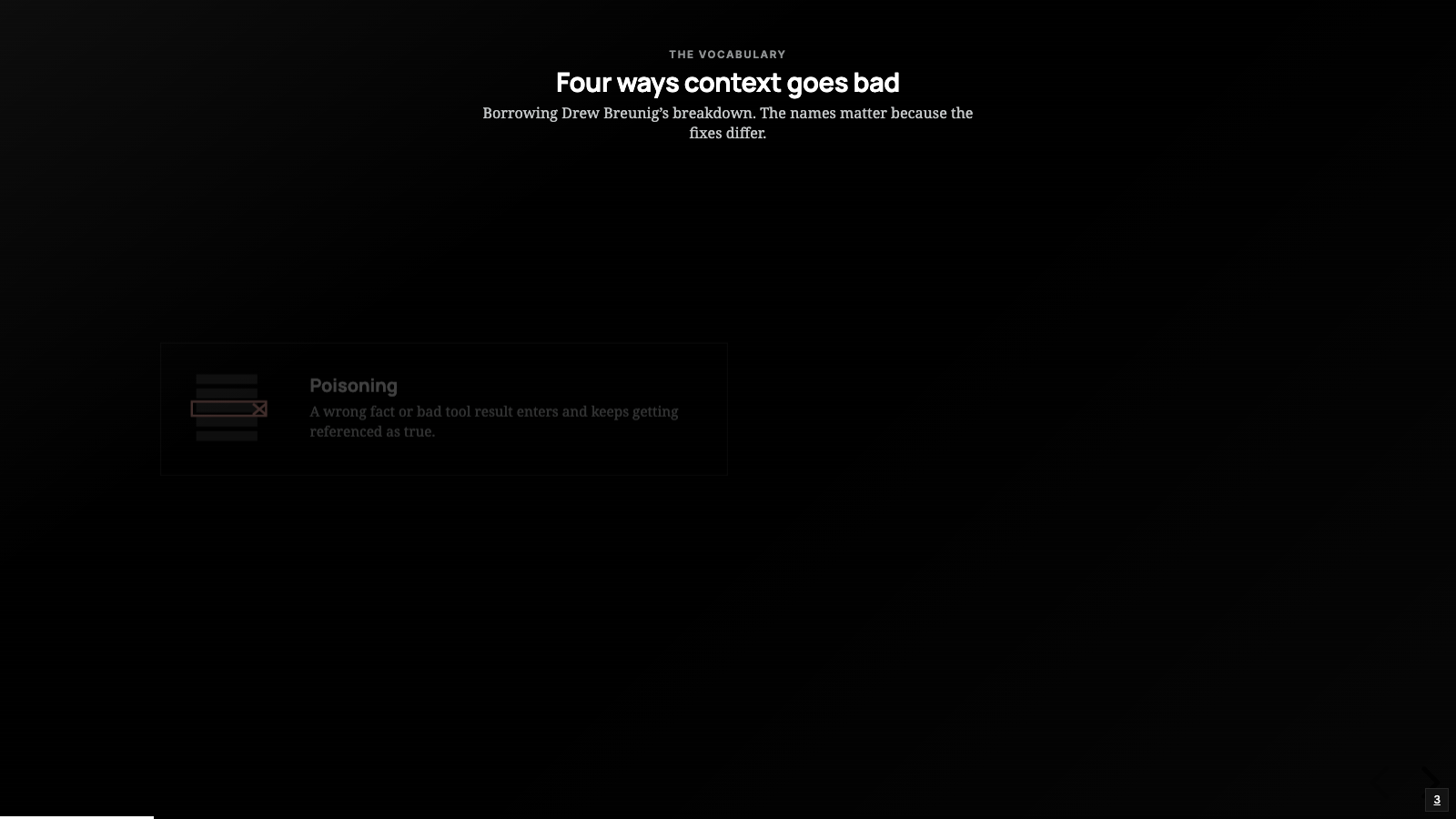
People usually describe this as “the prompt got too long” or “it lost the thread.” It helps to be more precise, because the fixes differ. Drew Breunig has a breakdown of how long contexts fail that I keep coming back to, and his names are worth borrowing:
Poisoning   - a wrong fact or a bad tool result gets into the context and
              keeps getting referenced as if it were true.
Distraction - the context gets so long the model over-focuses on it and
              leans on the window instead of what it learned in training.
Confusion   - superfluous material in the context nudges the model toward
              a worse answer.
Clash       - the context accumulates facts or tool results that contradict
              each other, and the conflict degrades the reasoning.
The StreamIT session had at least two. Distraction, because the docker log ran to thousands of lines and ate most of the window. And clash, because the design doc described the pipeline as already normalizing every frame to a constant 1080p, but the deployed code did not do that yet. Doc and reality disagreed, and the agent trusted the doc.
So “protect the model’s attention” means something concrete: keep these four from happening.
The primitive, and its neighbors
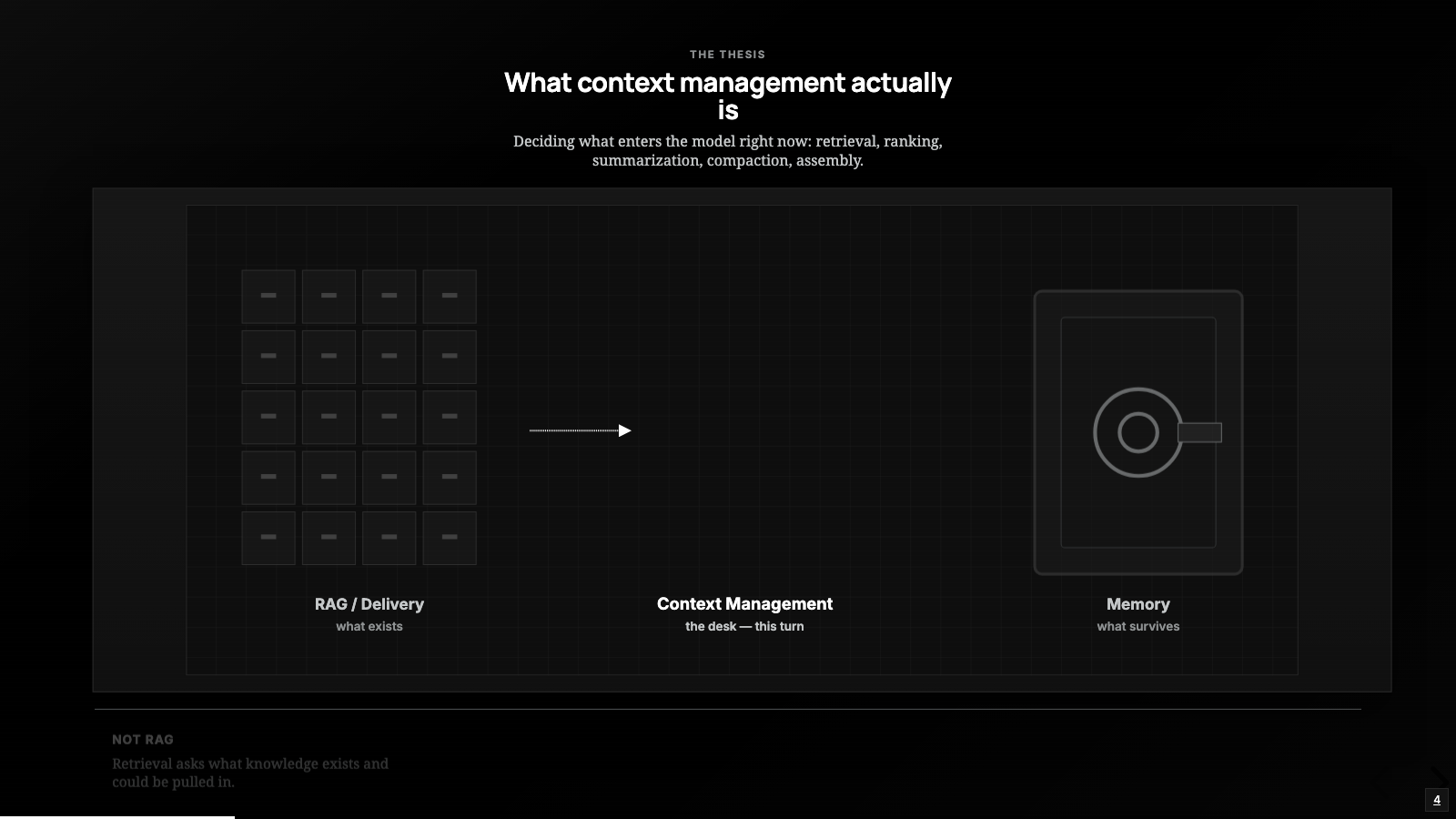
In the harness engineering post this was primitive 03, right after context delivery. The job as I framed it there still holds: decide what enters the model right now. Retrieval, ranking, summarization, compaction, context assembly; the names keep changing while the job stays put.
Two boundaries are worth drawing, because this primitive gets blurred with both neighbors. It is separate from RAG: retrieval asks what knowledge exists and could be pulled in, and context management makes the next decision, which of those things actually goes into this prompt, on this turn. And it is separate from memory. In the memory post the durable stores were the filing cabinet and the context window was the desk; that post was about the cabinet and what survives between sessions. This one is about the desk itself, within and across the turns of a single task.
The naive version: put it all in
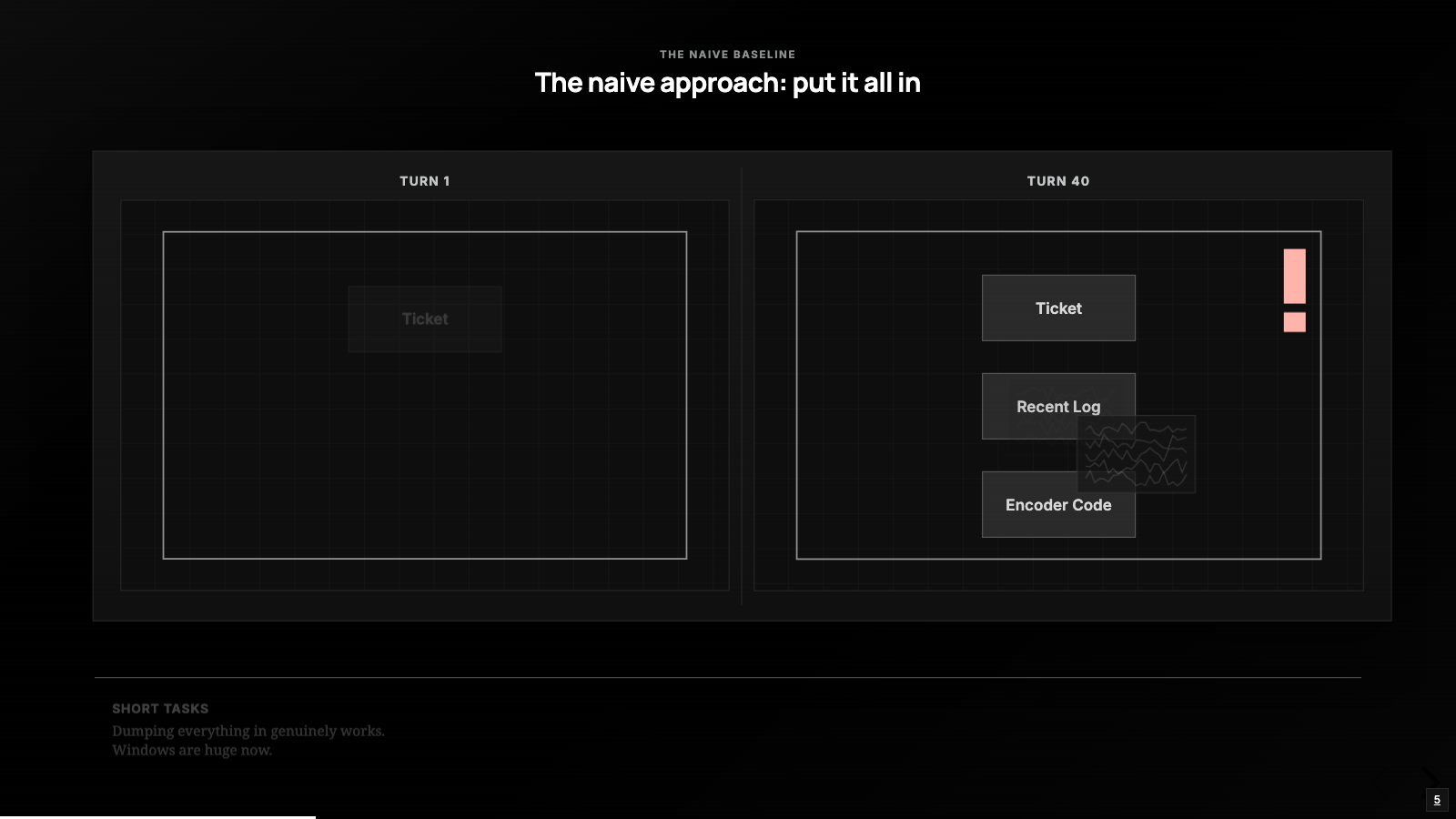
Start with what most early agents actually do: take everything that looks relevant and put it in the window. The ticket, the linked log, the design doc, the open files, every tool result so far. Windows are big now, so why not.
For a short task this genuinely works. The trouble shows up exactly where StreamIT ran long: tool output piles up, the log alone is huge, the doc is partly stale, and now the model is spending its attention on historical pipeline notes to answer a question about today’s encoder behavior. Giving the agent more did not make it smarter; it gave the model more to be distracted by, and you pay for every one of those tokens on every turn.
The rest of this post is four moves for doing better. Lance Martin from LangChain frames context engineering as write, select, compress, and isolate, and I think it is the cleanest model out there. I will take his four in the order they tend to bite on a real task: select, then compress, then write, then isolate, all on the StreamIT bug.
Select: pull the right slice
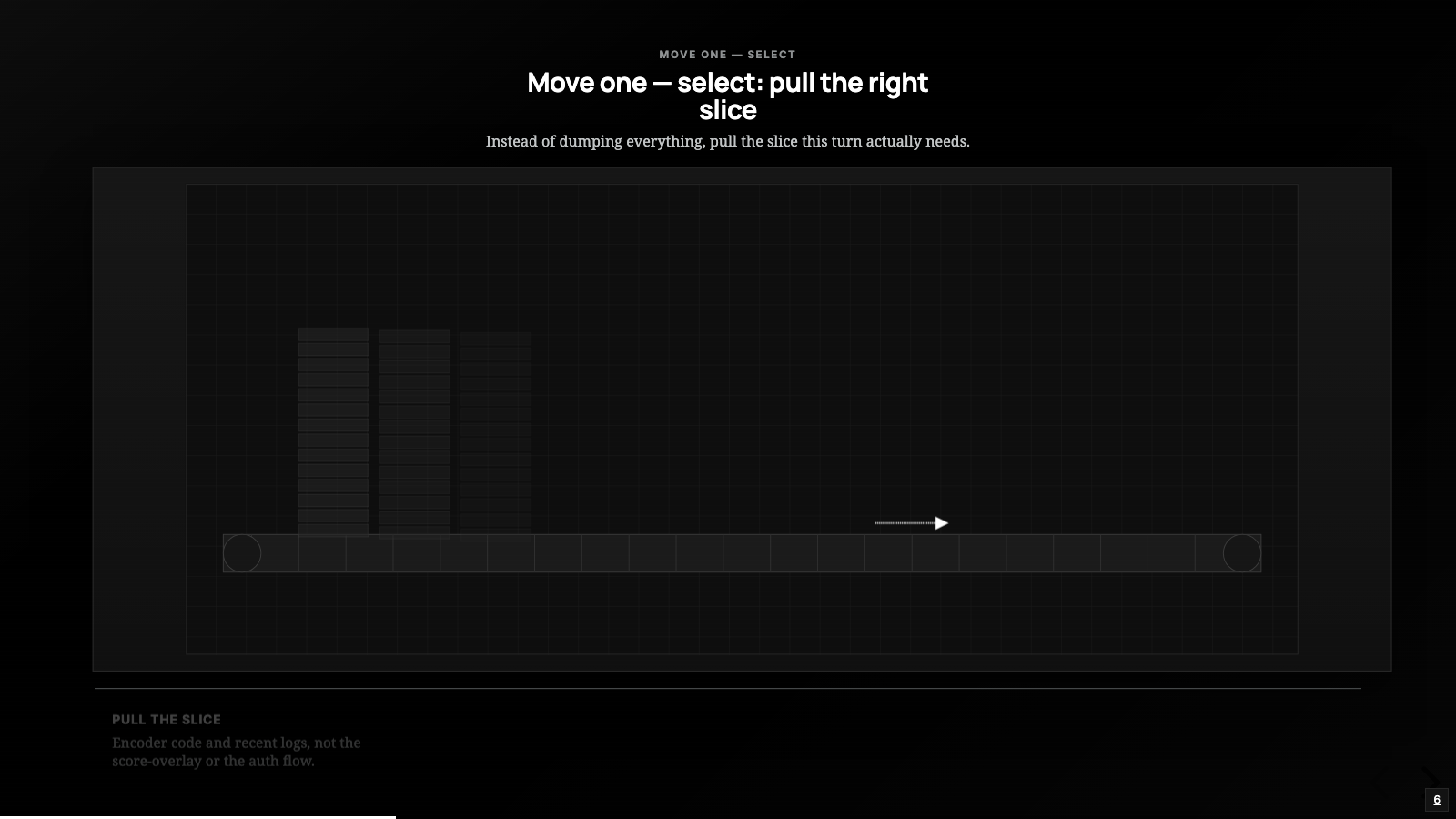
Instead of dumping everything, pull the slice this turn actually needs. For the StreamIT agent that means: when the work is about the encoder restarting, bring in the encoder code and the recent server logs, and skip the score-overlay rendering, the YouTube auth flow, and the startup noise in the log.
That sounds obvious until you notice how much of it the harness has to do for you. The agent cannot read the whole repo to decide what is relevant; that would defeat the purpose. So selection has to be cheap and approximate: embeddings over files, ranking by recency and relevance, a search index, descriptions the model can scan without loading the full thing.
It applies to tools too. In the talk, Lance cites research showing tool selection degrading as the toolset grows, with trouble starting around thirty tools and real failure near a hundred; I would not quote the exact numbers as gospel, but the direction holds, and mature harnesses now retrieve relevant tools the same way they retrieve relevant documents.
Select, across sessions
The part of selection I find most useful goes past ranking files. The StreamIT ticket linked to an earlier session, the one where we had already dug into this encoder. That conversation happened days ago, and whether the agent can get at it comes down entirely to the harness. Two agents I run make opposite choices.
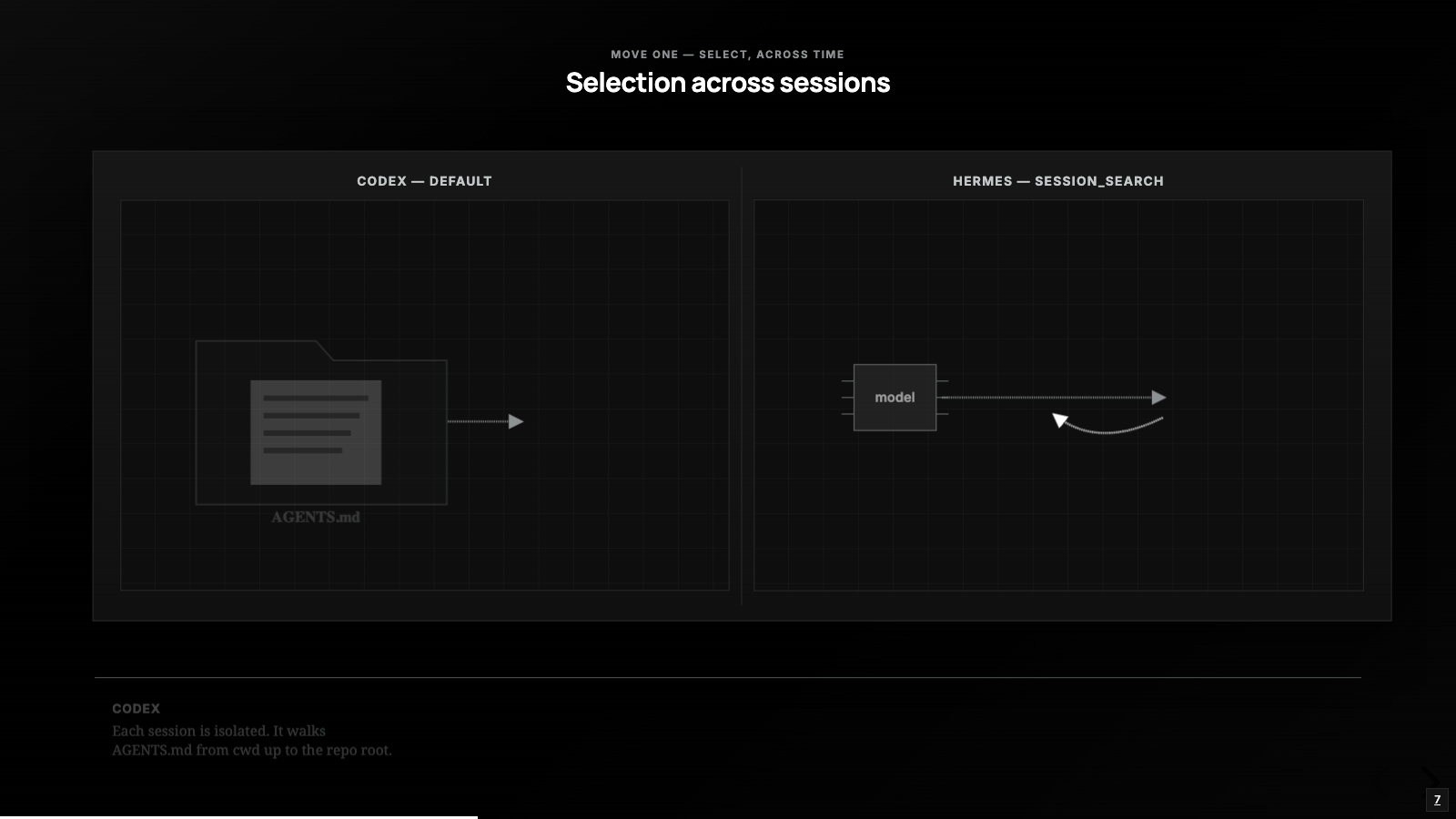
Codex, OpenAI’s CLI agent, keeps each session’s history to itself; there is no built-in way to load another session’s conversation into the current one. The selection it does do is over the project: it walks AGENTS.md files from your working directory up to the repo root, within a byte budget. The StreamIT work actually ran in Claude Code, which isolates sessions the same way: the earlier thread sits in a file on disk, but the agent cannot reach into it unless I go resume that exact session.
Hermes, the Nous Research agent, makes the opposite choice. It stores every session it has ever run in a SQLite database with full-text search over the message history, and it hands the model a session_search tool:
session_search("StreamIT encoder restart resolution drop choppy stream")
-> returns the relevant slice of last week's session
It selects the part of that old conversation that matters and drops it into the current window. That is the boundary from earlier in action: storing the old session is a memory job; choosing to pull a slice of it back into this turn is context management, and Hermes gives the model a lever for it that Codex and Claude Code, by default, do not.
Select, sharpened: position matters
Getting the right material into the window is only half the decision, because where it lands changes whether the model actually uses it.
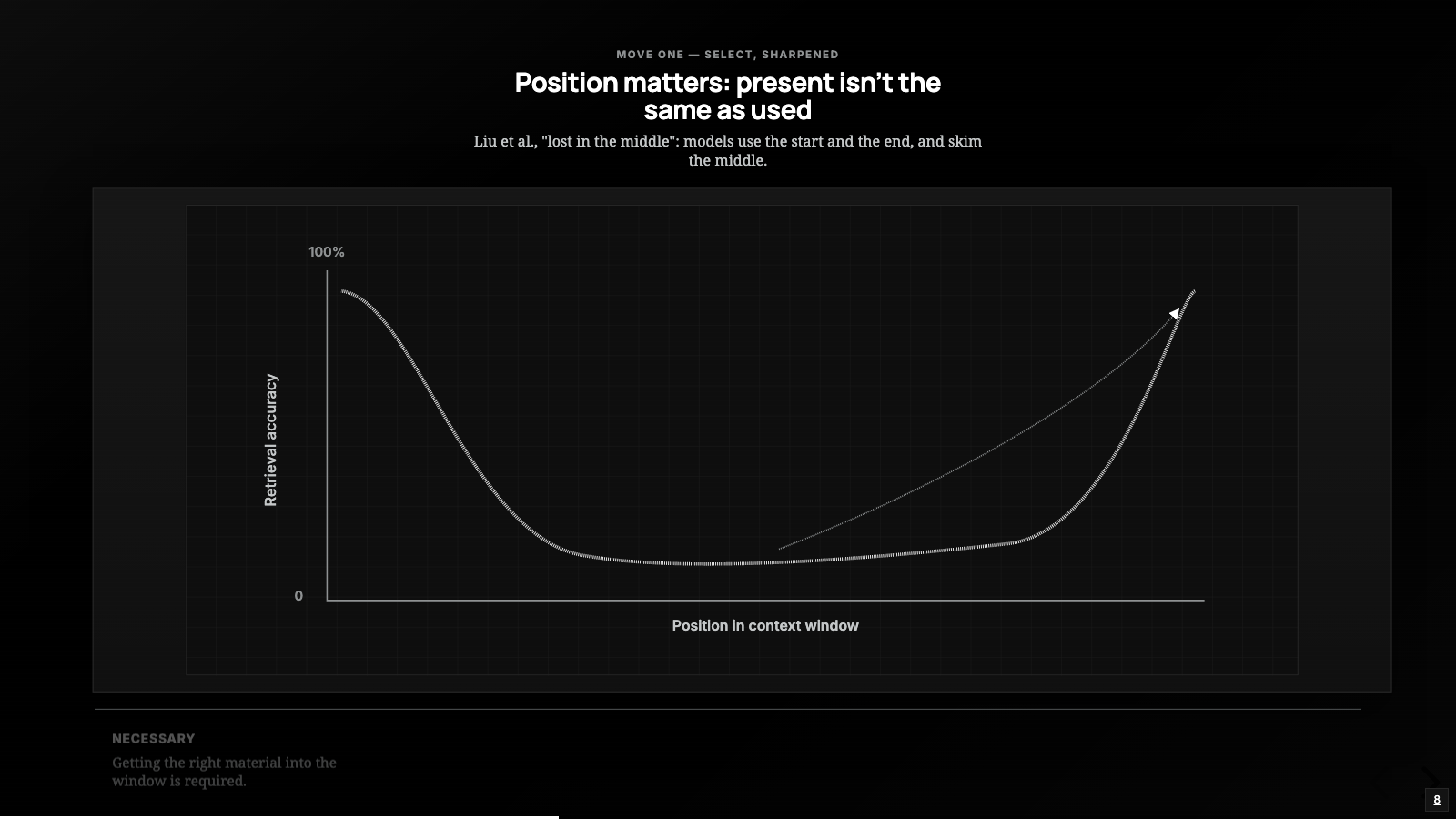
There is a well-documented finding from Liu and colleagues, usually called “lost in the middle”: models reliably use information at the very start and very end of a long context and get unreliable about everything in between. You can select the perfect file, bury it mid-window, and watch the model act like it was never there. In the StreamIT session the encoder code sat in the middle, behind the log, and the model skimmed right past it. Its position, more than its presence, kept it from being used.
So selection is two decisions: what goes in, and where it sits. Most people only think about the first. The second is free attention left on the table.
Compress: keep the meaning, drop the bulk
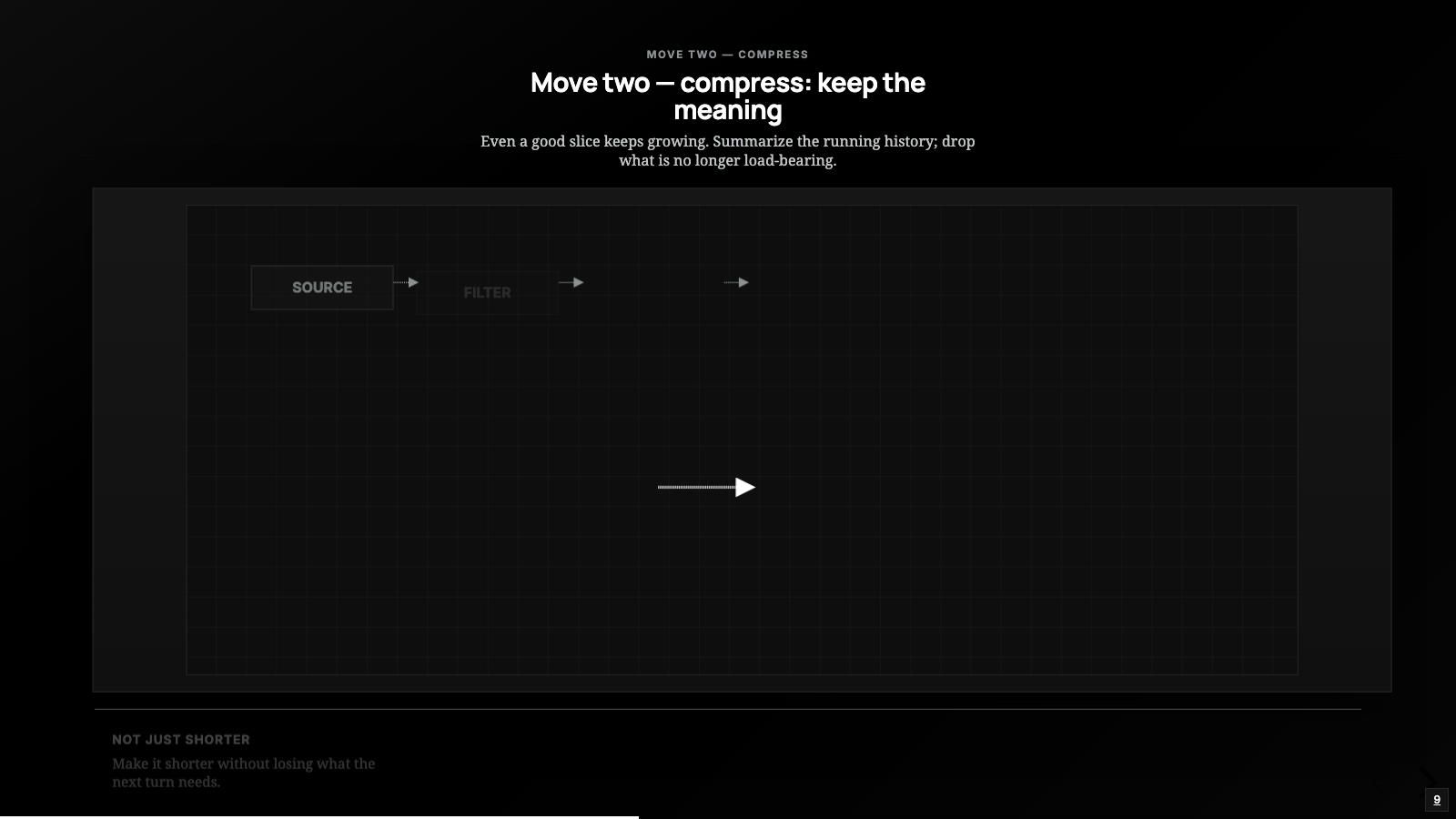
Even a good slice keeps growing on a long task; every turn adds tool output, and the StreamIT session was forty turns deep and climbing. The second move is compression: summarize the running history, trim what is no longer load-bearing, replace the raw thousands of log lines with the handful that showed the problem.
The trick is what you keep. When I look at how the better harnesses write their compaction prompts (Hermes ships its compressor prompt in the open, and it is worth reading), they preserve the same handful of things:
- the goal we are working toward
- the constraints and decisions already locked in
- what is done, what is in progress, what is blocked
- the key files and facts in play
- the next step
That list is roughly what you would write a teammate before going on vacation: enough to pick up the work without re-reading the whole thread. For StreamIT, a good compaction at turn forty says: goal is fix the choppy video, YouTube side ruled out, suspect is the encoder tearing down every time the WebRTC resolution changes, here are the two files and the log signature, next step is upstream. A few hundred tokens standing in for tens of thousands.
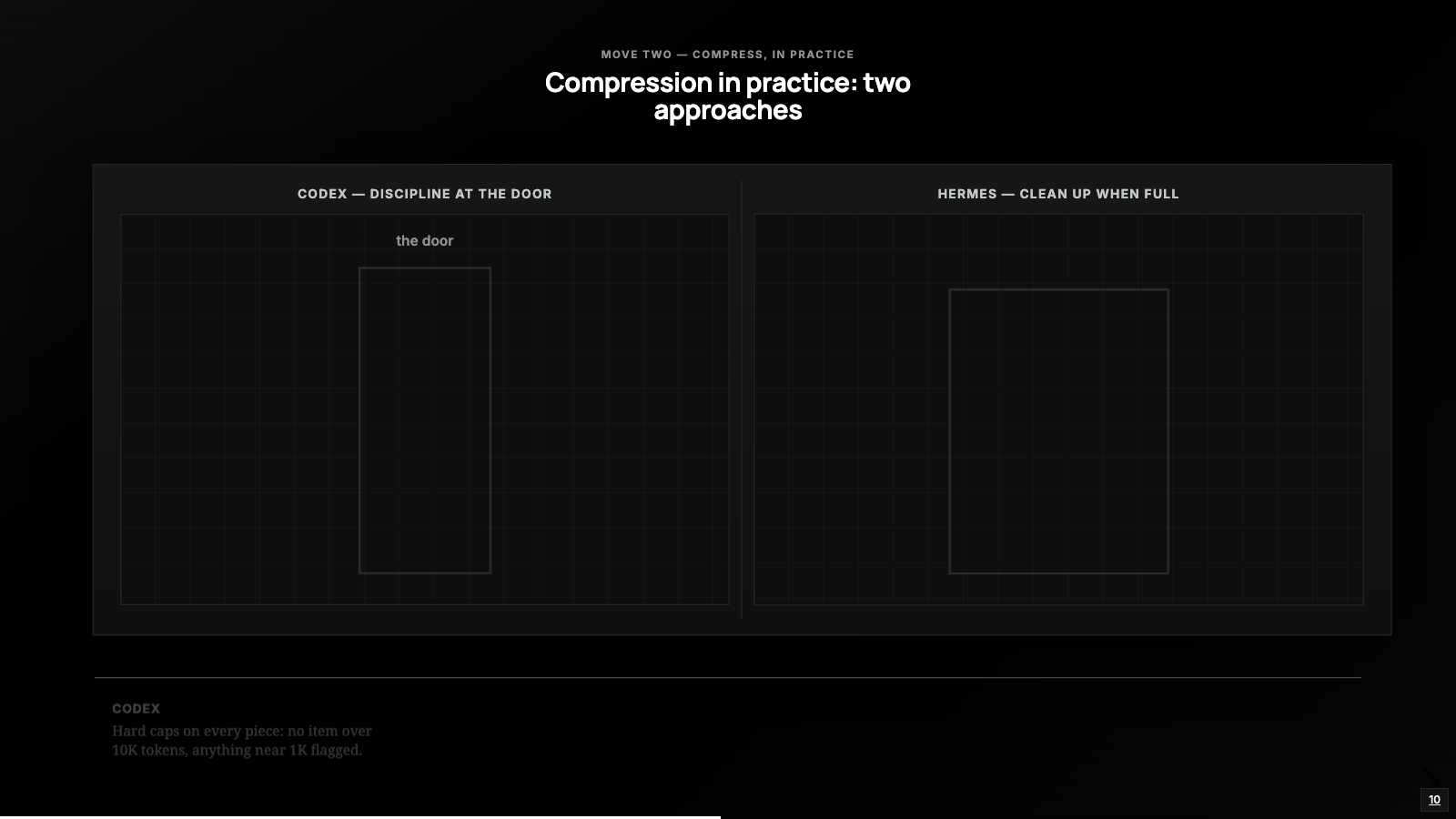
Codex and Hermes make opposite bets here too. Hermes lets history grow and runs a compression pass when it crosses a threshold, 50 percent of the window by default per its docs. Codex instead enforces hard limits on every piece going in; the contributor rules in its repo are blunt and I kind of love them: nothing unbounded enters the model context, no single item larger than 10K tokens, and skills budgeted to 2 percent of the window, name and description always visible, full body only on trigger.
So the StreamIT log would never get into Codex at full size; it would be capped at the door. Hermes is more likely to let it in and compress later when the window gets tight. Neither is wrong, but they are different reliability bets, and it is worth knowing which one your harness is making.
The catch: compression is lossy, and it is not free
Two costs are easy to forget when you turn compaction on.
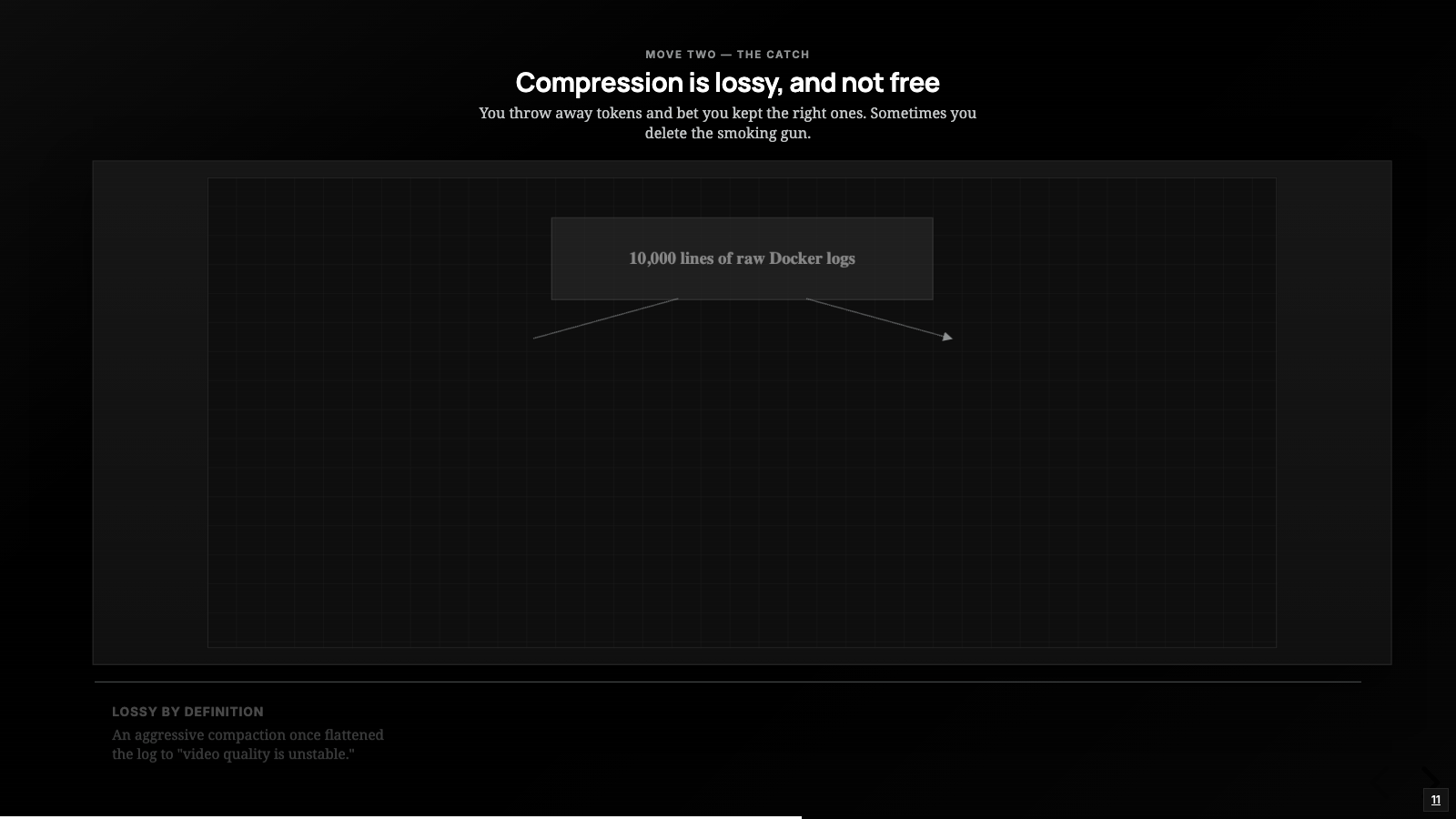
The first is that it is lossy by definition: you are throwing away tokens and betting you kept the right ones. In the StreamIT session, an aggressive compaction once flattened the docker log down to “video quality is unstable,” which was true and useless. It threw away the actual smoking gun, the delivered resolution oscillating from 1280x720 down through 904x508 to 640x360 while the encoder restarted hundreds of times, and the agent spent turns rediscovering what it had already summarized away.
The second cost is that compaction is itself an LLM call. It takes time, it takes tokens, and if you trigger it too often you are spending tokens to save tokens and thrashing the agent’s momentum every time.
So there is a sweet spot, and how much say you get over it is itself a harness decision. Hermes puts the threshold in config and, per its docs, protects the earliest and most recent messages from compaction, which lines up with the lost-in-the-middle curve: the head and tail are the high-value seats. Codex’s config exposes the token limit where auto-compaction fires and lets you swap in your own compaction prompt, so the step stops being a black box and becomes something you design. Claude Code, the harness I was actually in for StreamIT, is stricter in my experience: I can toggle auto-compaction and give a one-time focus on what to keep, but I cannot move the threshold.
The habit I lean on no matter the harness is the one lever that is always mine: get the things I cannot afford to lose out of the conversation entirely, so a compaction has nothing to delete. That instinct is really the next move.
Write: get it out of the window
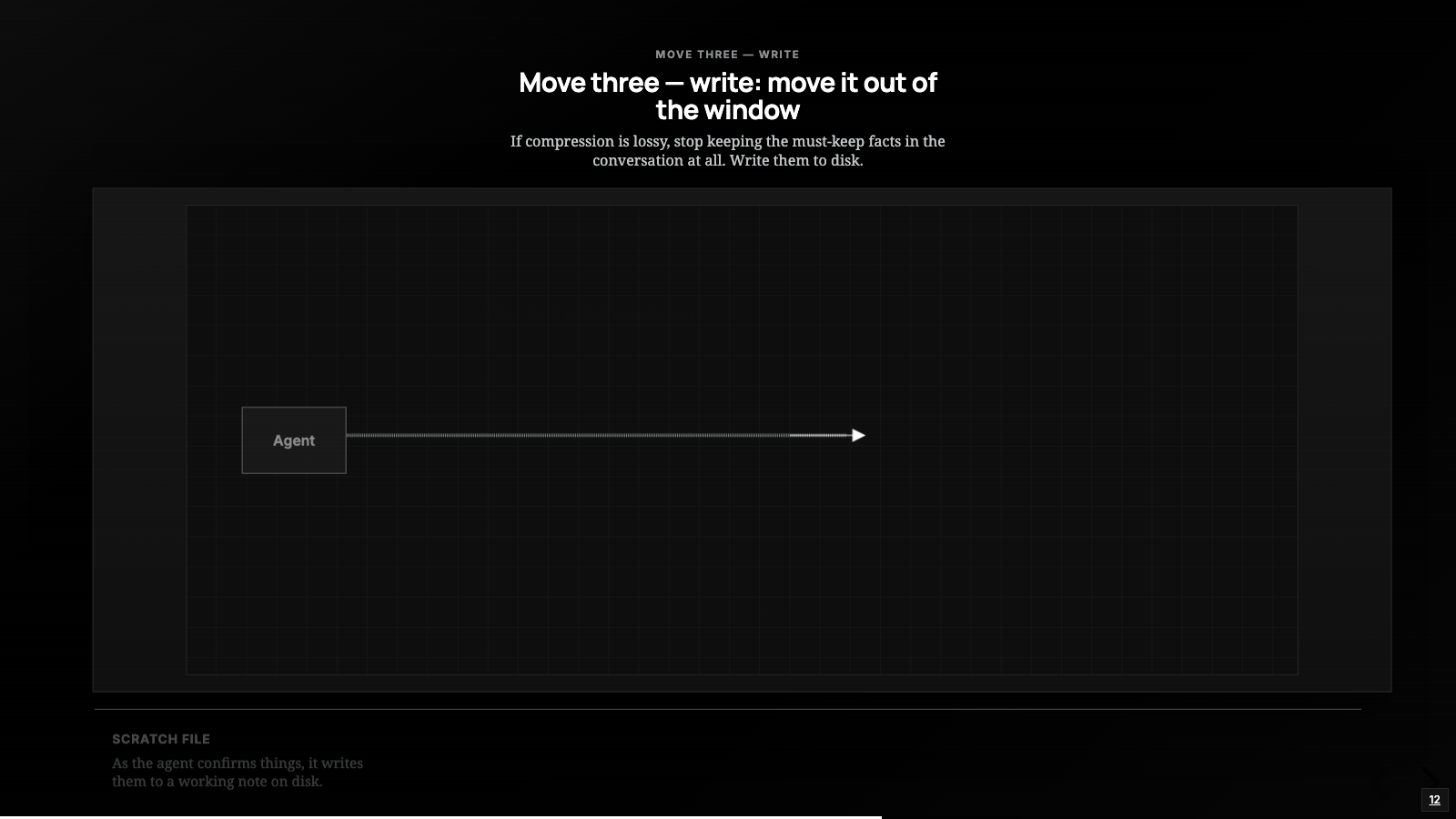
If compression is lossy, the fix for the things you cannot afford to lose is to stop keeping them in the conversation at all. Write them somewhere outside the window, where they can be reloaded on demand. This is the move that changed how I actually run long tasks.
For the StreamIT agent, that looks like a scratch file. As the agent confirms things, it writes them to a working note: the suspect is the encoder restart storm, here is the log signature, here is the file where the teardown happens, here is the fix we already ruled out and why. That file lives on disk, competes for nothing in the window, and survives every compaction untouched, because it was never in the conversation to begin with.
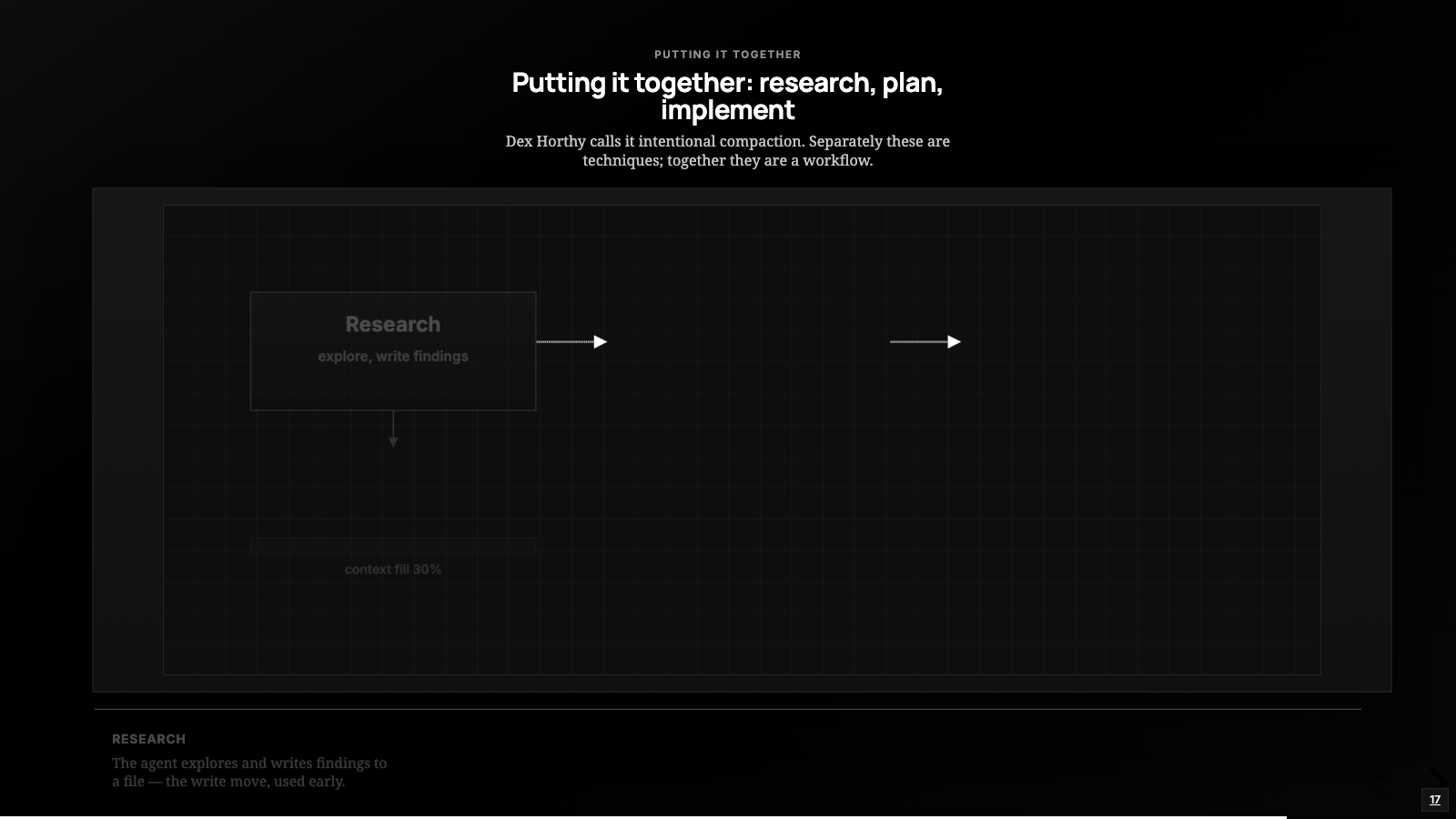
Dex Horthy from HumanLayer takes this into a full workflow, and his framing is the clearest I have seen. The agent writes a research file and a plan file before it writes any code: the research file lists the relevant files and line numbers, the plan file spells out the changes, and each implementation step runs in a fresh context window seeded by the plan instead of dragging the whole chat history along. He reports keeping working context under 40 percent of the window this way; those are his numbers, from his talk, and they line up with what I have felt on smaller tasks.
One boundary to keep clean: a scratch note for the current task is context management, and the moment that note is meant to outlive the task it has become memory, the memory post’s territory. Same file on disk, different job.
Isolate: give the work its own window
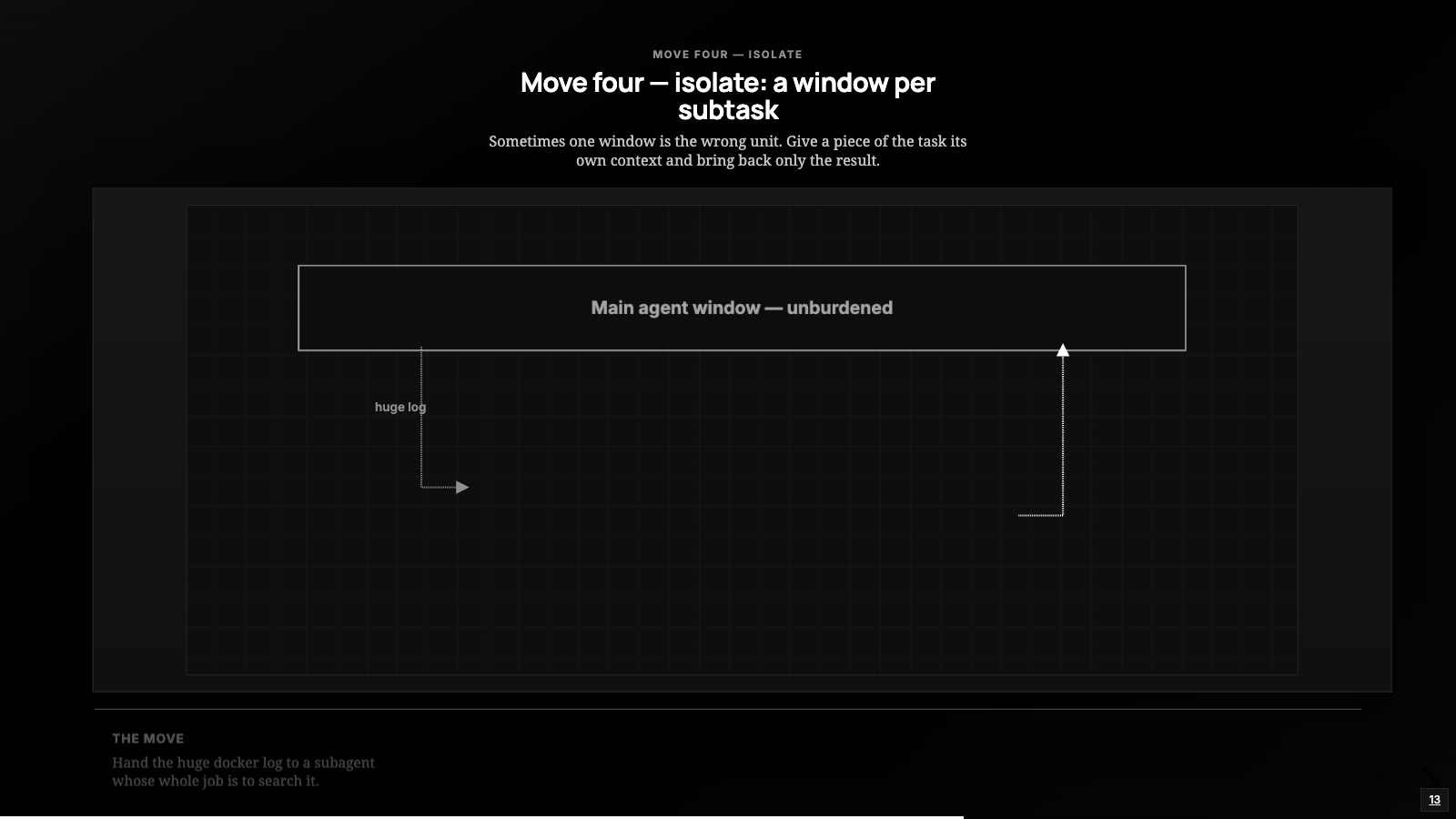
Select, compress, and write all operate on one window. The fourth move admits that sometimes one window is the wrong unit: give a piece of the task its own context, let it run, and bring back only the result.
The StreamIT case has an obvious spot for this. Searching that huge docker log is exactly what you do not want in your main window, so you hand it to a subagent whose whole job is “find the restart pattern and the resolution changes in this log.” It reads the entire log in its own context, burns whatever tokens it needs, and returns the answer: 226 restarts, here is the resolution-collapse sequence. The main window never sees the other few thousand lines.
The pattern shows up everywhere once you look: a sandboxed code run that returns the value instead of ten thousand lines of stdout, a search subagent that returns the answer instead of the transcript of how it found it. Isolation is how you keep one agent’s mess out of another agent’s window. What it buys you is capacity, since five windows hold more than one; what it costs you is coordination, and coordinating windows is orchestration, a different primitive and a different deep dive.
The constraint under all four: cache stability
This is the part most context engineering talks skip. Everything so far treats the window as a question of what is in it. There is a second question that costs real money: in what order, and how stable.
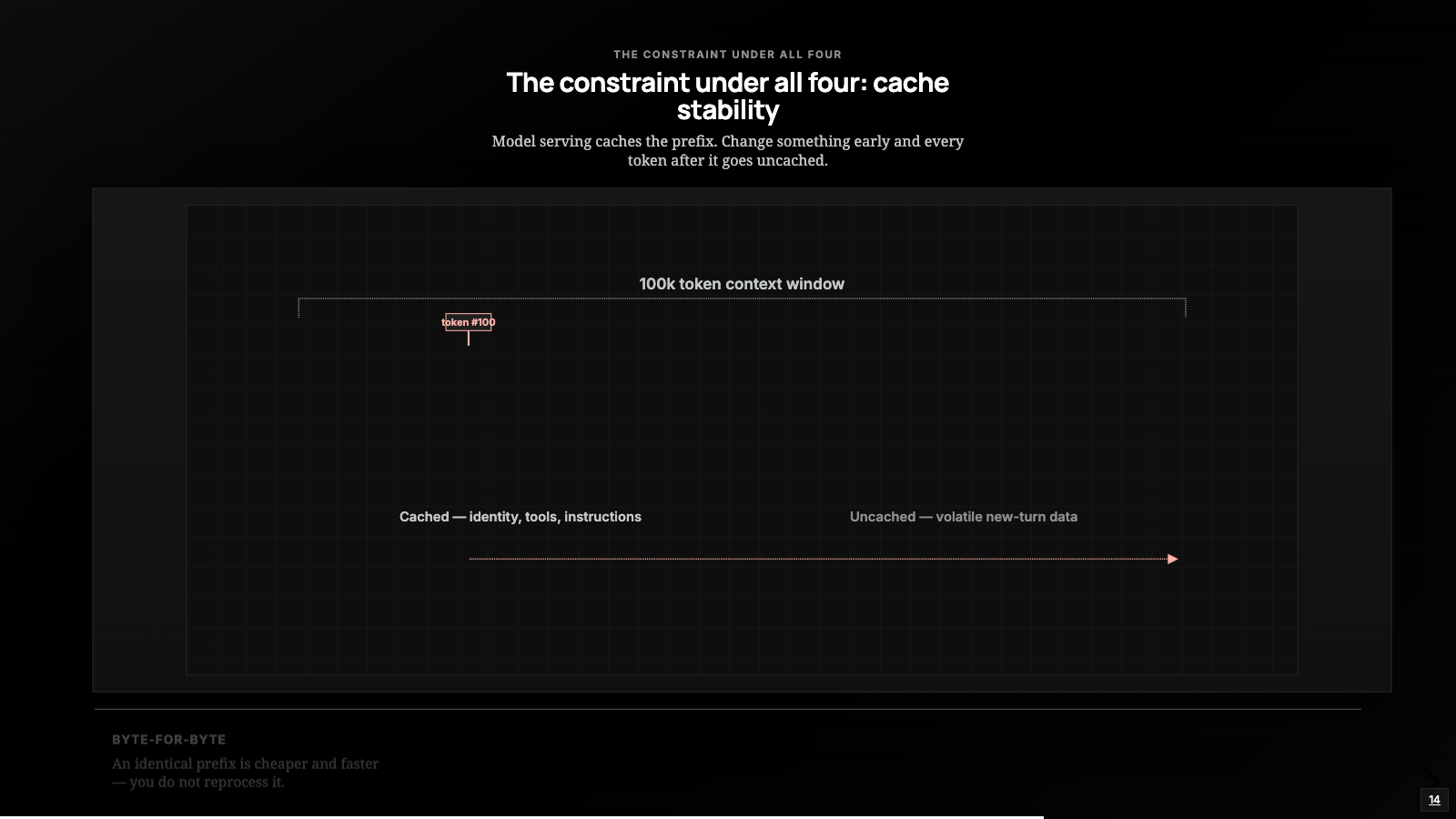
Modern model serving caches the prefix of your prompt. If the first however-many-thousand tokens are byte-for-byte identical to last turn, you do not pay full price to process them again; it is cheaper and faster. The moment you change something early in the context, every token after it is uncached and you pay full freight again.
This changes how you think about all four moves. Every re-select, re-rank, or compress potentially invalidates the cache. A harness that reshuffles its context every turn can be correct and still slow and expensive, and the cost hides in the bill rather than the output, which is what makes it easy to miss.
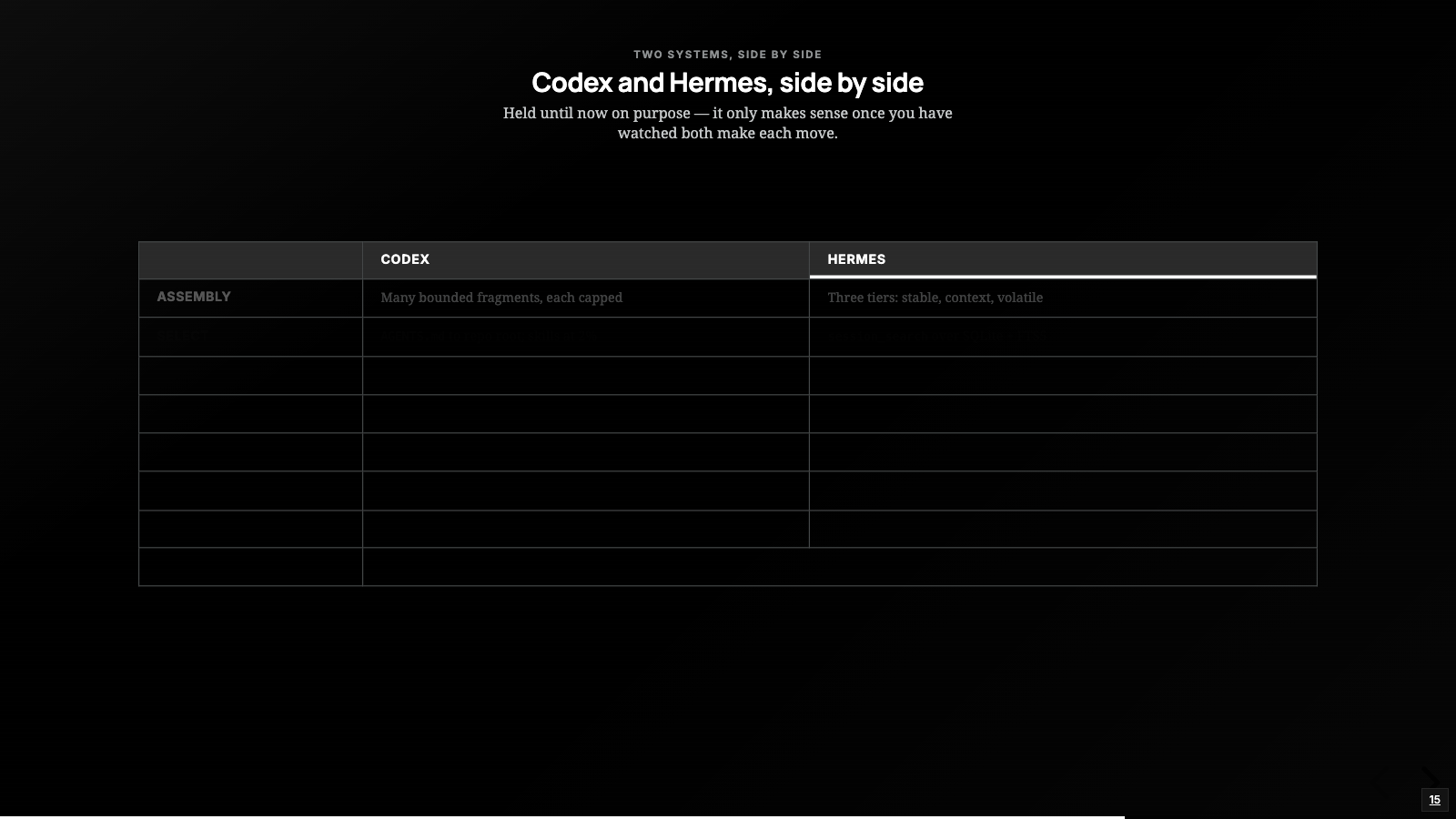
Both systems design around this explicitly. Hermes builds its system prompt once per session; in normal operation the only thing that triggers a rebuild is compression, and even then the stable tier comes back byte-identical, with volatile material injected into the turn’s user message instead of the cached prompt. Codex writes the same idea into its rules in plain language: build context up incrementally, no history rewrite, avoid frequent changes that cause cache misses.
If you are building your own harness, I would get this right before any clever retrieval. Freeze a stable prefix, keep identity and tools and instructions in it, and let only the tail move from turn to turn. Get it wrong and every optimization you add is fighting your own cache.
Zoom out from the two systems and the pattern is the same even though the bets differ. Codex bets on per-item discipline at the door, Hermes on a flexible window with reach-back across sessions, and both converge on the fundamentals: bounded assembly, a stable cached prefix, and progressive disclosure, the lightweight description first and the heavy body on demand. For anyone building a harness they are reference points rather than a menu, and most designs I would build land somewhere between them.
You cannot manage what you cannot see
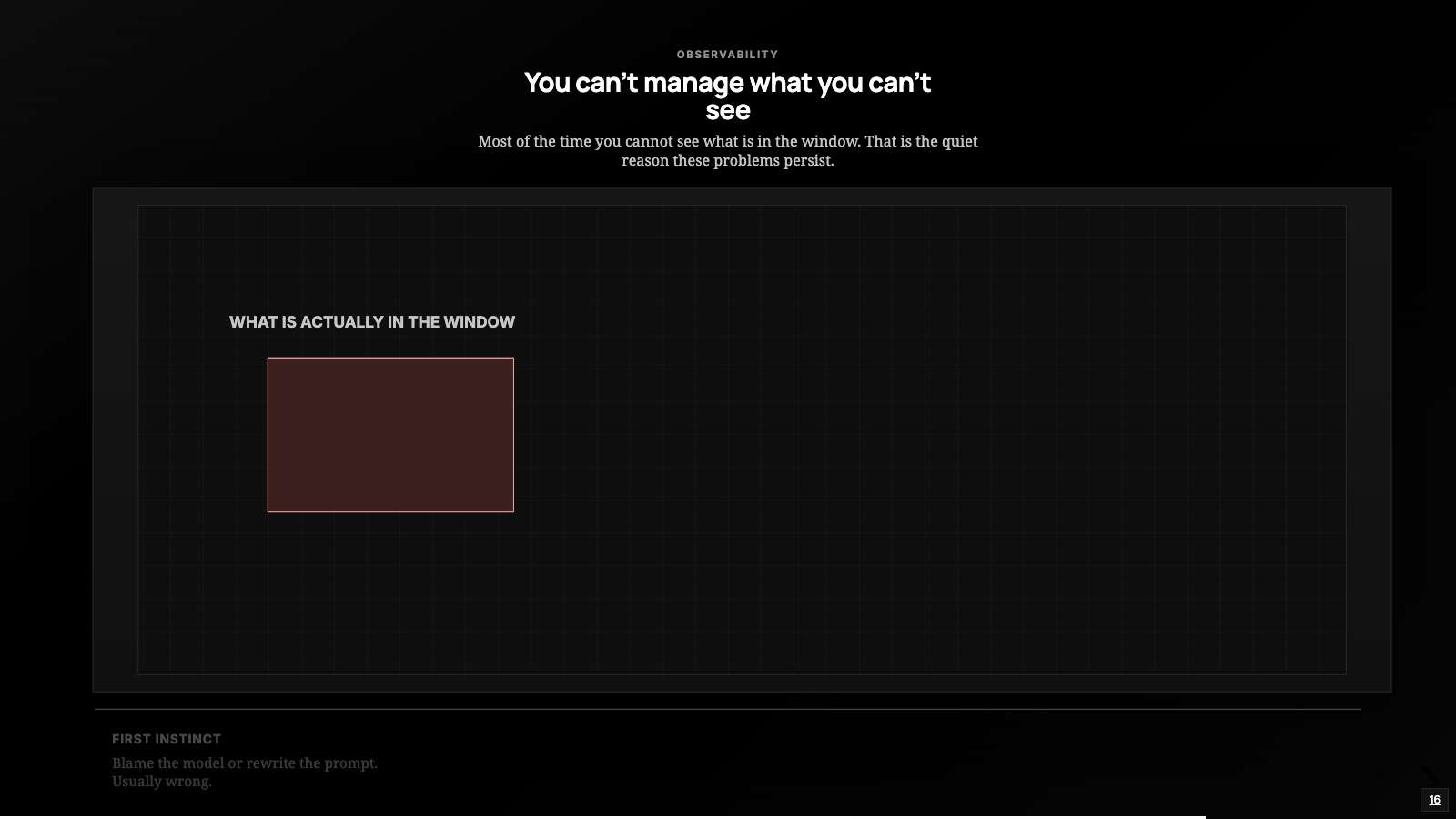
Everything above assumes you can see what is in the window. Most of the time you cannot, and that is the quiet reason these problems persist. When the StreamIT agent got dumb, my first instinct was to blame the model or rewrite the prompt; what actually helped was looking at the context, what is in this window right now and how many tokens each part is eating. Harnesses increasingly expose some version of this readout, and the first time you look it is usually a surprise. Half the window is a log you forgot was there, or three copies of the same file, or a tool result from twenty turns ago with no business still being present.
I would push the habit one level deeper: look at what actually gets sent to the model. The real request, the system prompt, the messages, the tool list, in the form the model receives them, rather than the polished transcript in the UI. Half of the “why did it do that” moments have the same answer once you look: your AGENTS.md was never in the payload, the skill’s description never loaded, or a compaction quietly dropped the decision the agent later contradicted. Both Claude Code and Codex will show you a version of what they send, and tracing tools like Langfuse, LangSmith, or anything speaking the OpenTelemetry GenAI conventions capture the full prompt, messages, and tools on every call. Once you have read one end to end, you stop guessing about what the model saw and start checking.
When the agent goes dumb
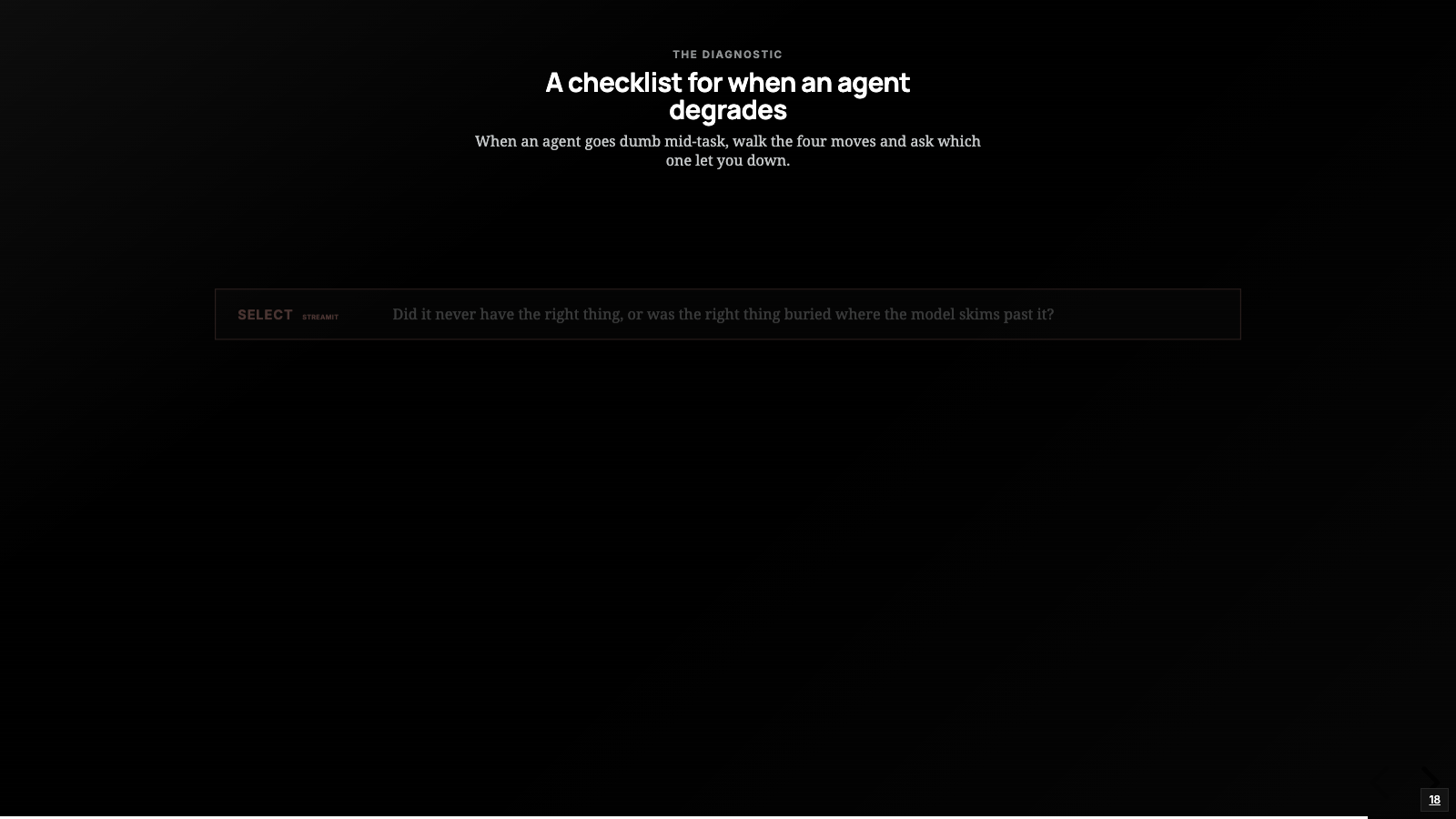
Back to the StreamIT agent losing the thread at turn forty. The question I ask now is more useful than “the model is not good enough”: walk the four moves and ask which one let me down.
Select   - did it never have the right thing, or was the right thing buried
           where the model skims past it?
Compress - did a summary throw away the one detail the next step needed?
Write    - did it lose work it should have parked on disk?
Isolate  - did one giant context drown a subtask that deserved its own window?
And under all four, the meta-question: could I even see what was in the window when it happened? If the answer is no, that is where I start.
In the StreamIT session it was select and compress together: the docker log buried the signal, and then a hasty compaction deleted it entirely. The fix was the kind I can actually make: send the log to a subagent and write the signature to a file, so neither can crowd the window or get summarized away. And once the window was clean, the agent got it. The encoder was tearing down and respawning every time the WebRTC resolution dropped, and that was the choppiness people were seeing; the real fix lived upstream, cap the sender bitrate so a shaky cellular uplink stops collapsing the resolution, and normalize every frame to a constant 1080p so the encoder never restarts. That was the same model as turn one, finally looking at the right few hundred tokens.
Context management is invisible when it works and reads as stupidity when it fails. A great context setup just feels like a sharp agent; a bad one feels like the model got worse overnight, which sends you off tuning the wrong thing. The primitive stays in a narrow lane: it will not fix a model that genuinely cannot reason about an encoder pipeline, it will not invent knowledge that was never delivered, and it will not remember anything between runs on its own. What it does is decide what your model is looking at this turn, and on a long task that decision quietly determines almost everything.
So the standing rule I have adopted for my own long sessions: before I blame the model, I open the window and read what actually got sent. Most of the time one of the four moves let me down, and unlike the model, that is a thing I can fix the same afternoon.
Every figure in this post is a slide from the video, redrawn for the page. The full deck lives here too.
This post also exists as a 36-minute video deep dive, with the same diagrams drawn live. Watch it on YouTube.
Written by Ankit Desai. New posts ship every few weeks, each with a video edition.